Experimental • In active development

A DAW I actually
want to use every
damn day.

Futureboard is a DAW I'm building because nothing out there feels quite right. Native Rust core, GPU-rendered UI, and a layout that doesn't fight you when you're in the middle of a session.

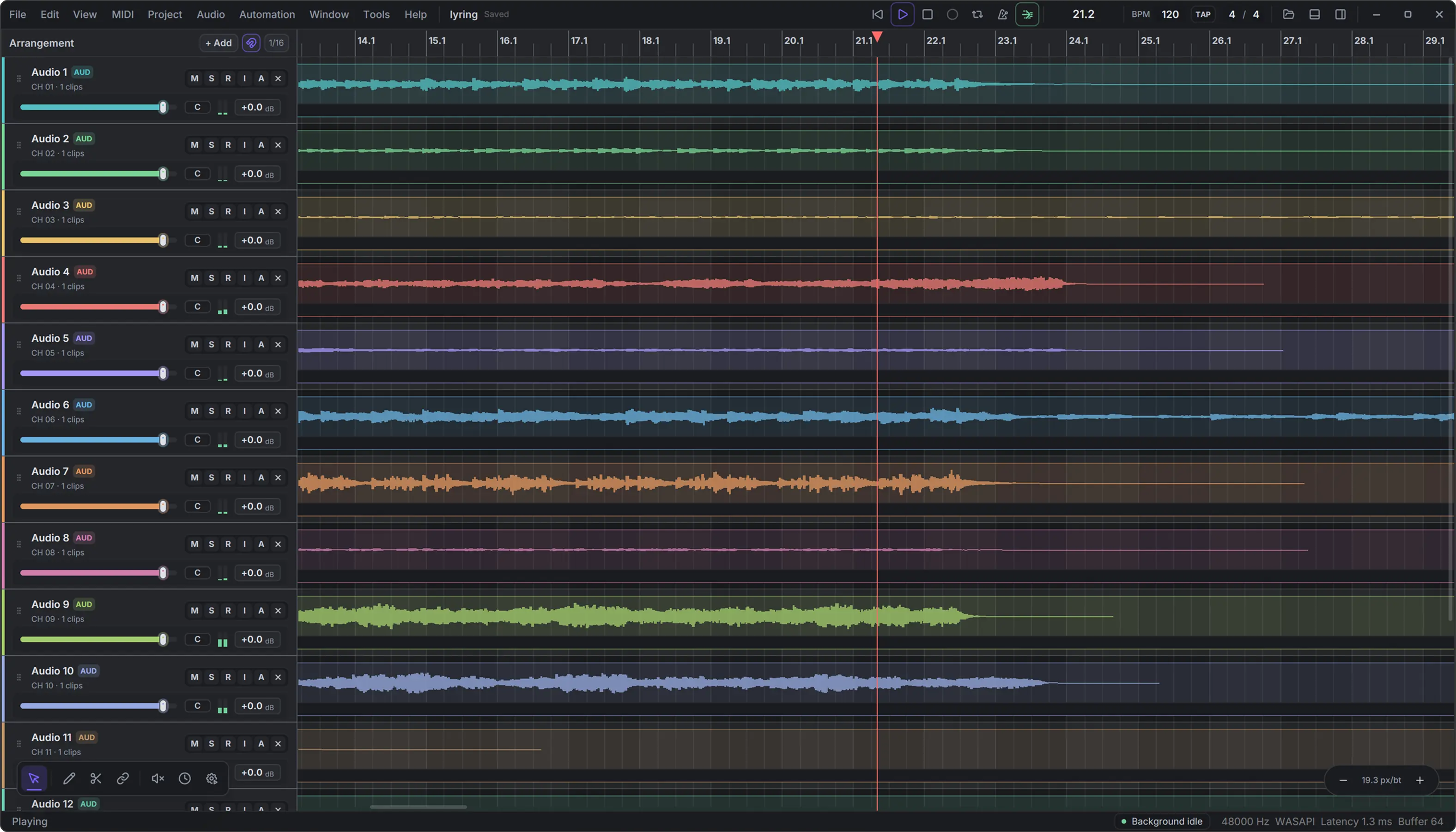
Futureboard Studio DAW interface preview showing track lanes and timeline
Product Lineup

Three builds, one codebase.

The web version runs right now. The native build is where the real work is happening.

Express

Futureboard Express

Runs in the browser, no install. Good for quick sketching and sharing ideas. React + WASM under the hood — not as fast as native, but surprisingly usable.

  • Runs in browser
  • React + WASM
  • No install needed
Web target →
Lite

Futureboard Lite

An installable app built on Electron. Easier to ship cross-platform but it has the usual overhead you'd expect. Solid middle ground while the native build matures.

  • Electron desktop
  • Windows / macOS / Linux
  • Installable app
Electron target
Studio

Futureboard Studio

This is the one I actually care about. Rust + GPUI means native performance, zero electron overhead, and a UI that renders at GPU speed. Still in progress, but it's where most of the effort goes.

  • Rust + GPUI
  • Native audio engine
  • GPU-rendered UI
Native target • Primary
Features

Here's what it actually does.

Six things I kept getting annoyed by in other DAWs. So I built them properly.

01

Track Experience

Designed to give producers a clear, focused, and highly responsive workspace for building complete arrangements. Every track is presented with essential controls — volume, pan, mute, solo, record arm, monitoring state, and visual waveform feedback.

The layout is built to stay readable even when the project becomes complex. Track headers, clip lanes, meters, and automation-ready areas are visually separated so the user can quickly identify what is playing, what is selected, and what needs attention.

TRACK EXPERIENCE PANEL 01:00:00:00
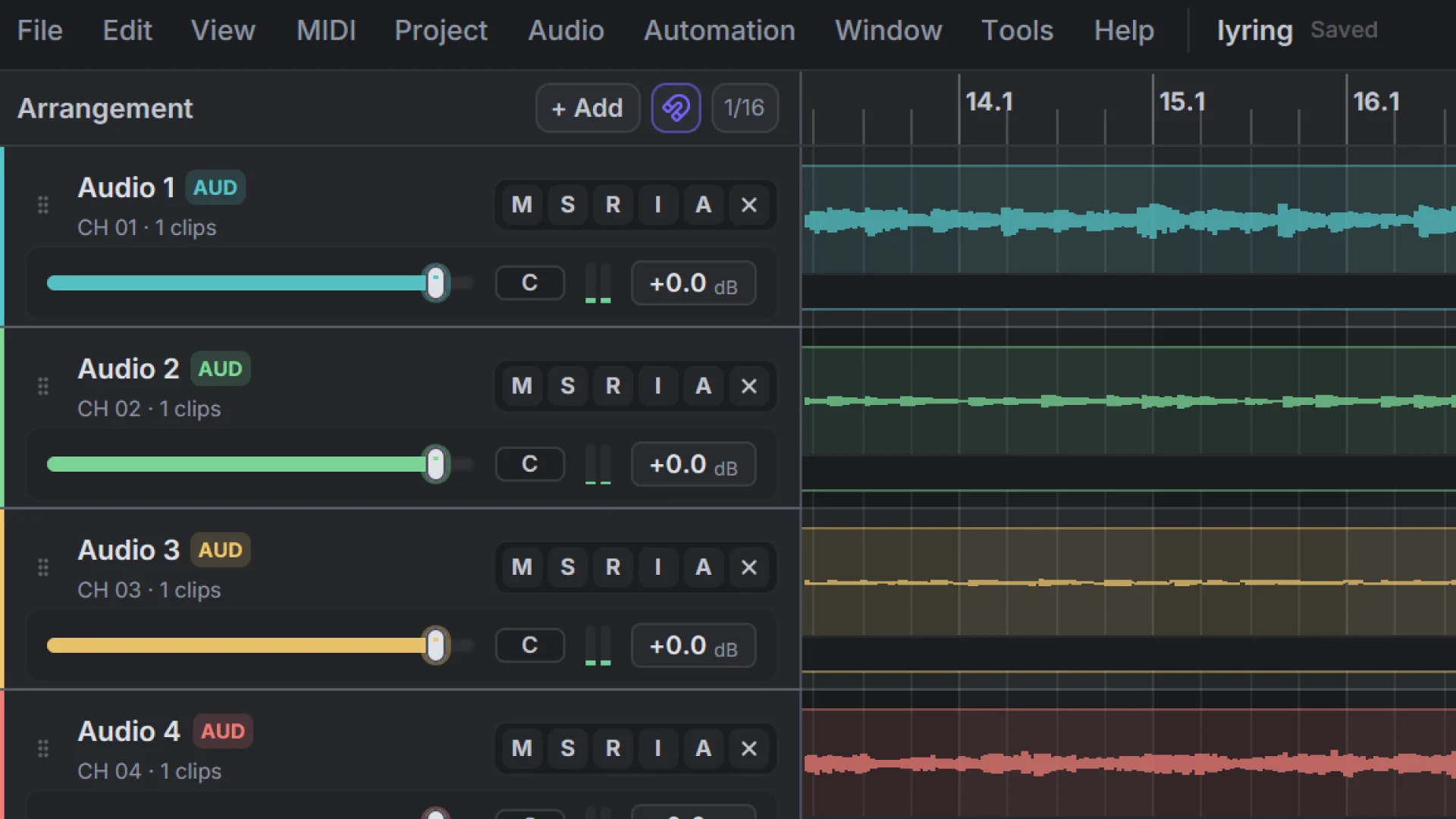
Futureboard track arrangement view showing multiple colored audio tracks
02

Inspector Details

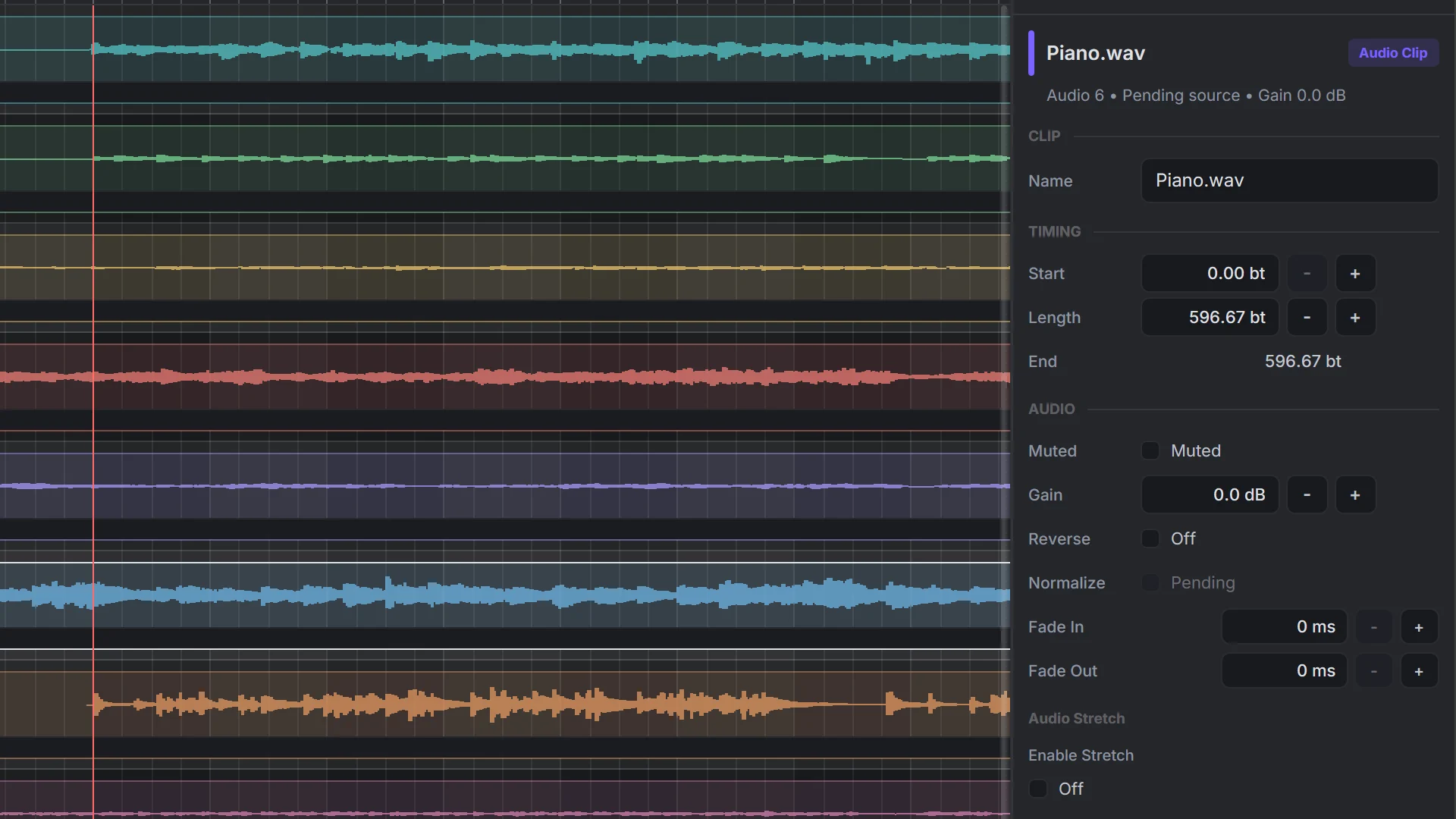
A dedicated space for editing the properties of selected tracks, clips, and musical elements without interrupting the main timeline workflow. Fine-tune gain, pitch, stretch, fades, timing, routing, and plugin-related settings in one panel.

By keeping detailed controls close to the arrangement view, the Inspector reduces the need for pop-up dialogs. Producers can modify small details while still seeing the result in the timeline — aligning clips, adjusting transitions, and correcting timing.

INSPECTOR DETAILS PANEL 02:00:00:00
Inspector panel showing clip properties like name, timing, gain, and fade controls
03

Continuous Scroll

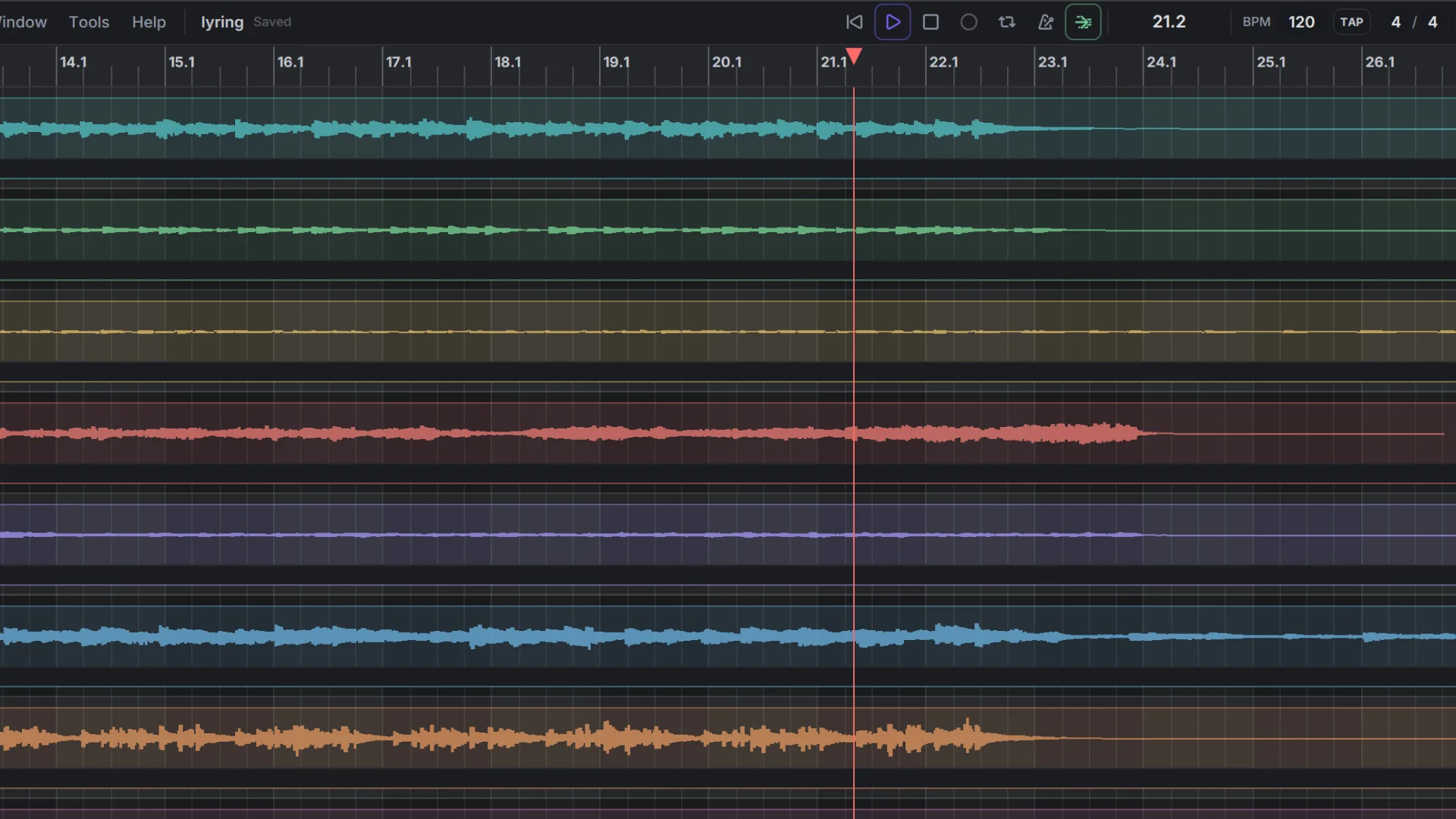
Keeps the timeline movement smooth, stable, and easy to follow during playback and editing. Stay visually connected to the music as the playhead moves through the arrangement — making long sessions, live recordings, and multitrack projects easier to navigate.

Instead of jumping abruptly between timeline sections, the view follows playback naturally. The timeline remains responsive while scrolling, zooming, and displaying waveforms — so the project never feels disconnected from the audio.

CONTINUOUS SCROLL PANEL 03:00:00:00
Continuous scroll view showing smooth waveform timeline playback
04

Floating Toolbar

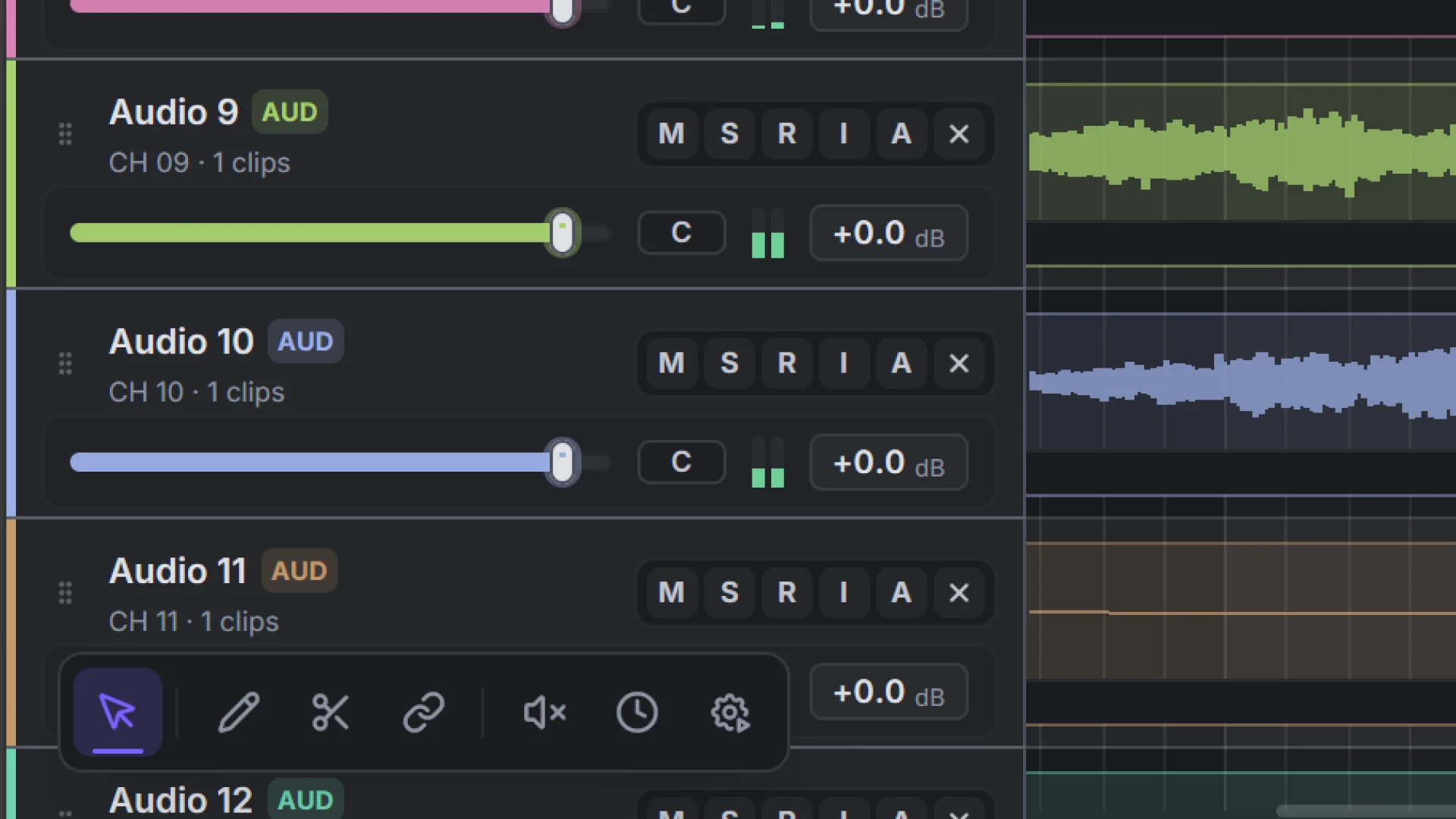
Brings the most commonly used editing tools directly to the area where the user is working. Select, cut, move, trim, split, snap, zoom — all accessible near the selected content without relying on distant menus or fixed toolbars.

Designed to be contextual, lightweight, and non-intrusive. It appears when useful, stays out of the way when not needed, and adapts to the current task — making editing feel more direct, almost like the interface is responding to the user.

FLOATING TOOLBAR PANEL 04:00:00:00
Floating toolbar appearing near an audio track with editing tool icons
05

Mixer Experience

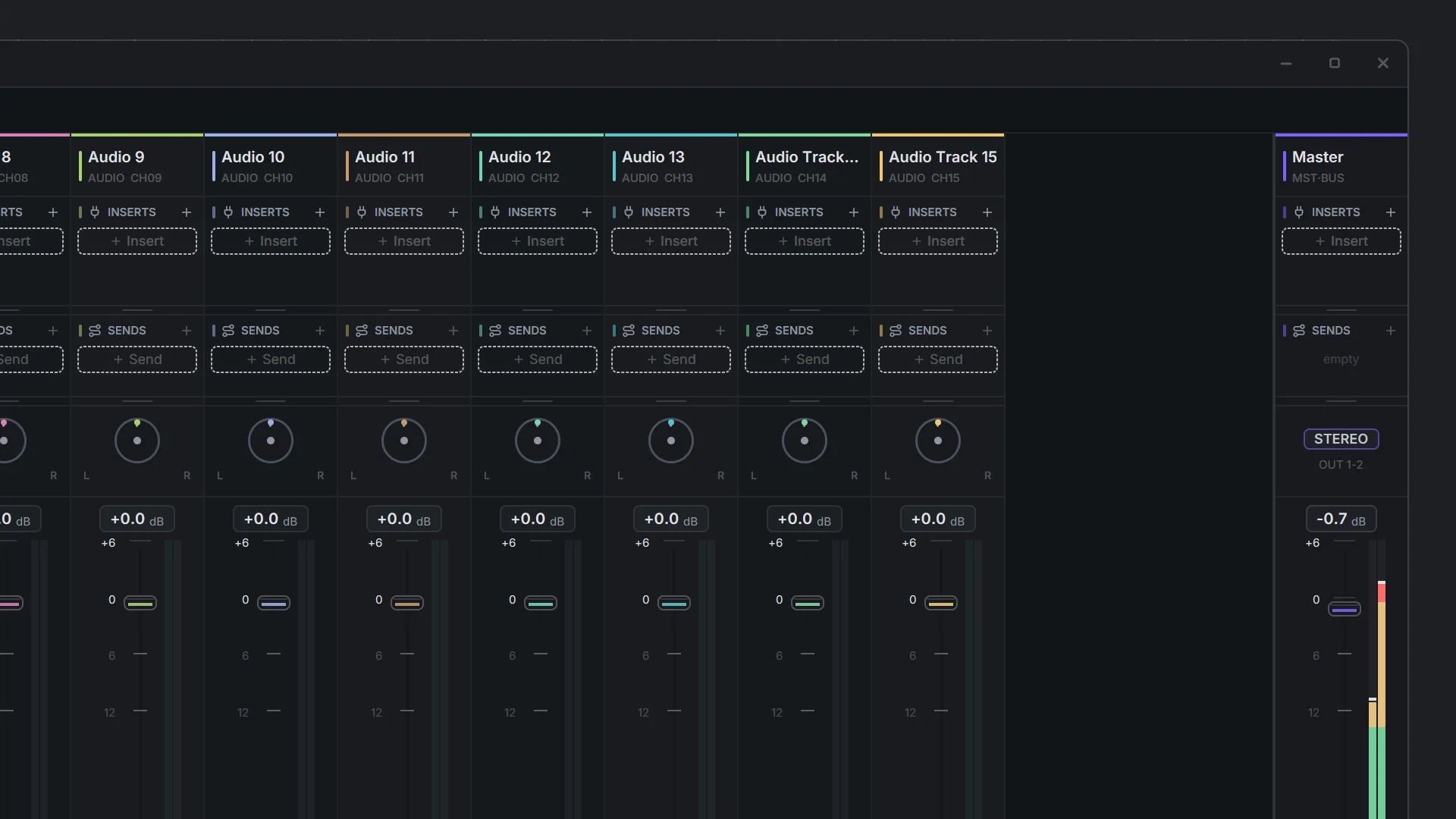
Built for fast, readable, and professional control over the sound of the entire session. Each channel provides clear access to faders, meters, pan controls, mute, solo, record states, inserts, sends, and routing information — a complete mix overview in one view.

The layout emphasizes clarity and density without becoming visually overwhelming. Channel strips are compact enough to fit many tracks on screen, but still detailed enough to support serious mixing decisions — approachable for beginners, powerful for professionals.

MIXER EXPERIENCE PANEL 05:00:00:00
Futureboard mixer showing multiple channel strips with faders, pan knobs, and meters
06

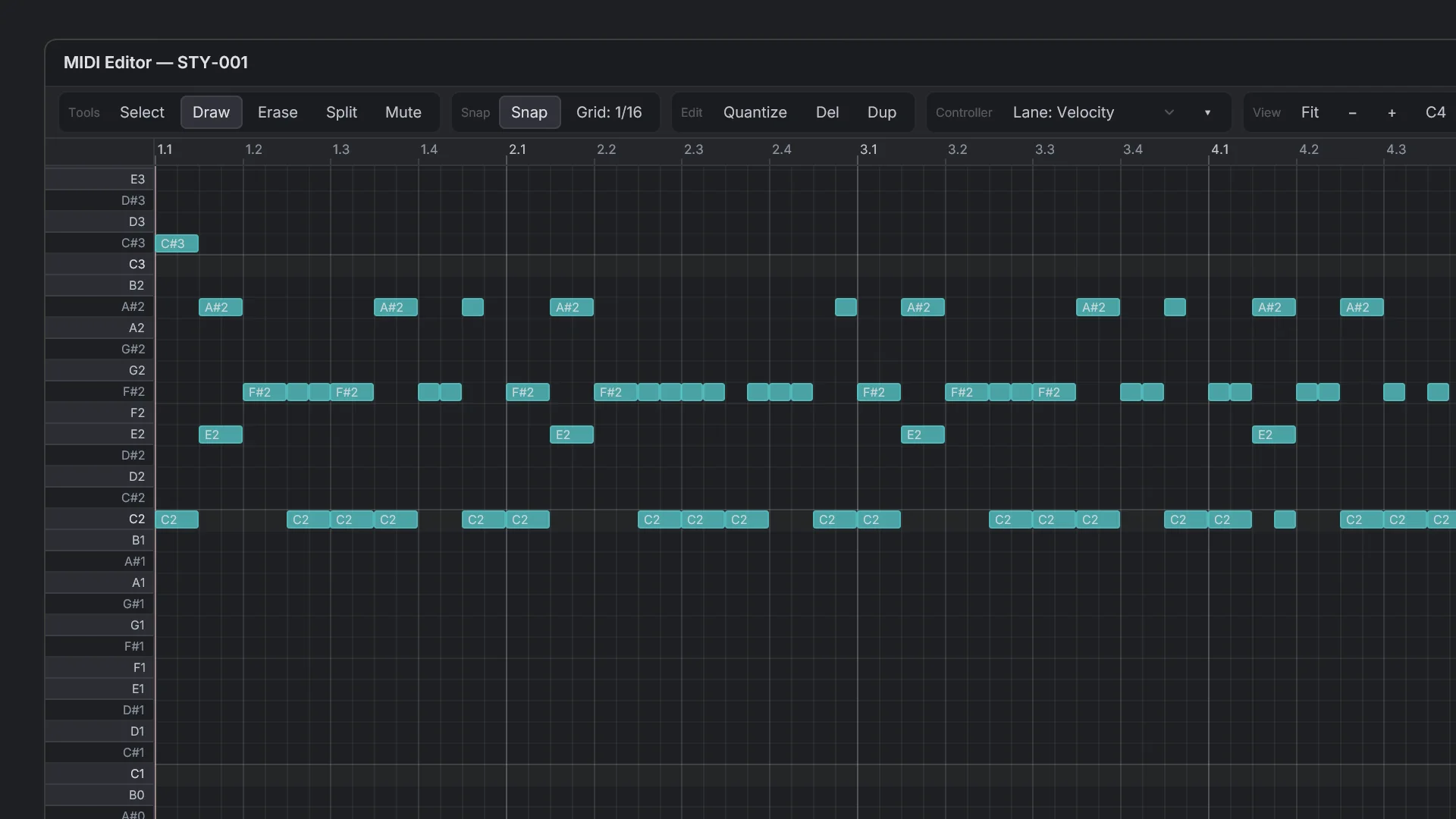
MIDI Editor

A precise piano-roll environment for composing, editing, and refining musical ideas. Notes are displayed clearly on a grid, making it easy to create melodies, chords, basslines, drum patterns, and full MIDI arrangements with accurate timing and pitch control.

Designed for both fast sketching and detailed programming. Quickly draw notes, resize them, move them, adjust timing, and refine rhythmic patterns. Supports velocity editing, quantization, snapping, note selection, and expressive control data.

MIDI EDITOR PANEL 06:00:00:00
MIDI piano roll editor showing teal note blocks on a dark grid
Roadmap

What's getting built, roughly.

Order might shift. Things take longer than expected. But this is the general direction.

In Progress

Port to GPUI Native

Migrating rendering layer to Rust + GPUI for full native performance.

In Progress

Timeline system

Track lanes, clip arrangement, transport controls, and loop regions.

In Progress

Audio / MIDI / Automation editors

Piano roll, automation curves, and waveform clip editors.

Planned

Audio plugin support

VST3 and CLAP host integration. Plugin scanner and process sandbox.

Planned

Mixer and routing

Full channel strip, aux sends, master bus, and flexible routing graph.

Planned

Windows first release

First stable binary targeting Windows x64.

Planned

Web React + WASM target

Futureboard Express browser edition with WASM audio engine.

Future

macOS / Linux support

Community contributor pathway for non-Windows platforms.

Future

LV2 / AU plugin formats

Expand plugin ecosystem coverage for Linux and macOS users.

Early Access

Get notified
when it ships.

Still building. Leave your email and I'll reach out when there's something worth downloading. No newsletters, no marketing — just a message when a real build is ready.

  • First access to native builds, before public release
  • Occasional dev updates when something major ships
  • No spam. Unsubscribe any time, no hard feelings.
Early access intake
Open Tally form

Join the early access list

The form opens in Tally so we can keep signups organized without adding another account system here.

INTAKE 04 FIELDS
  • Email Required
  • Platform Required
  • Audio setup Required
  • Testing notes Required
Open Tally form